新年のご挨拶 & 挑戦

世界遺産「那智の滝」

旧年中は、ダンデライオンズにひとかたならぬご支援とご厚情を賜り、誠にありがとうございました。2025年の幕開けにあたり、皆さまへ新年のご挨拶を申し上げるとともに、本年の抱負をお伝えしたいと存じます。

那智神社

先日、私は世界遺産に登録されている那智の滝を訪れる機会に恵まれました。古来より霊場として名高い熊野の地にそびえる那智の滝は、高さや水量、そして周囲の緑と相まって、まさに圧倒的な存在感を放っていました。落差約133メートルから勢いよく流れ落ちる水の力強さ、その一瞬たりとも途切れることのない流れ――それらは自然の偉大さを感じさせるだけでなく、人知を超えたエネルギーを与えてくれるものでした。そこに身を置いていると、心が洗われるような静謐さと同時に、「いつでも前に進む、絶えることのない力」を感じずにはいられませんでした。

さらなる挑戦

この那智の滝がもたらしてくれた感動は、私どもが迎える第8期のテーマである「健康経営と挑戦」にも通じるものがあると痛感しております。人や組織が成長を続けるためには、断続的ではなく、那智の滝のように“連綿と流れ続ける”力が不可欠です。そのためにも、まずは社員一人ひとりの健康と働きがいを大切にし、活力と創造性を絶やすことなく保つ企業文化を育んでいきたいと考えております。身体的にも精神的にも健やかな状態であってこそ、常に新しいアイデアが生まれ、困難を乗り越え、社会に向けて新たな価値を提供することができると信じております。

那智の滝

また、本年は当社にとって大きな「挑戦」の節目でもあります。2017年の創立以来、私たちは情報システムの企画・設計・運用受託をはじめ、EC事業、人材開発コンサルティング、労働者派遣や有料職業紹介など、多岐にわたる事業を展開してまいりました。これまでの歩みを原動力に、2025年はさらなる飛躍へ向けて大きく一歩を踏み出したいと考えております。急速に進むデジタルトランスフォーメーションの流れの中で、ICT技術を取り入れるだけでなく、人間の創造力や思いやりといった“人”ならではの強みを掛け合わせることで、これまで以上に“ダンデライオンズらしい”ソリューションを提供してまいります。

貢献する企業へ

私たちが社名に掲げる「Dandelions(たんぽぽ)」は、どんな場所でも力強く根を張り、種を遠くまで運んで花を咲かせる象徴です。私たちもまた、那智の滝の絶え間ない水流のように、どのような状況下でもあきらめずに前進し、新たな可能性を拓き続ける存在でありたいと強く願っています。この思いを共有する社員が一丸となり、「健康経営」と「挑戦」というキーワードを具体的な行動へとつなげることによって、地域社会や企業の皆さまに価値あるサービスをお届けできるよう、全力を尽くしてまいります。

那智山

那智の滝を目の当たりにしたときの、自然と生かされることへの感謝の念や、尽きることのないエネルギーへの畏敬の念を胸に、私たちはこれからも飛躍を続けてまいります。社員がいきいきと働ける環境づくりを進め、お客様をはじめ、パートナーの皆さまや地域社会に貢献する企業として躍進していきたい所存です。

最後に

皆さまにおかれましても、本年が素晴らしい飛躍の一年となりますよう、心よりお祈り申し上げます。今後とも、株式会社ダンデライオンズへの変わらぬご指導とご鞭撻、そして温かいご支援を賜りますよう、何卒よろしくお願い申し上げます。

2025年 1月
株式会社ダンデライオンズ
代表取締役 髙橋英晃

Internal Training Session: Low-Code Development Experience Using Outsystems Part 2

Hello! I’m Ogi, responsible for this edition of our study session blog. I’m excited to share the highlights of our recent internal training session, “Low-Code Development Experience Using Outsystems Part 2”!

Check out the highlights from our previous study session here!

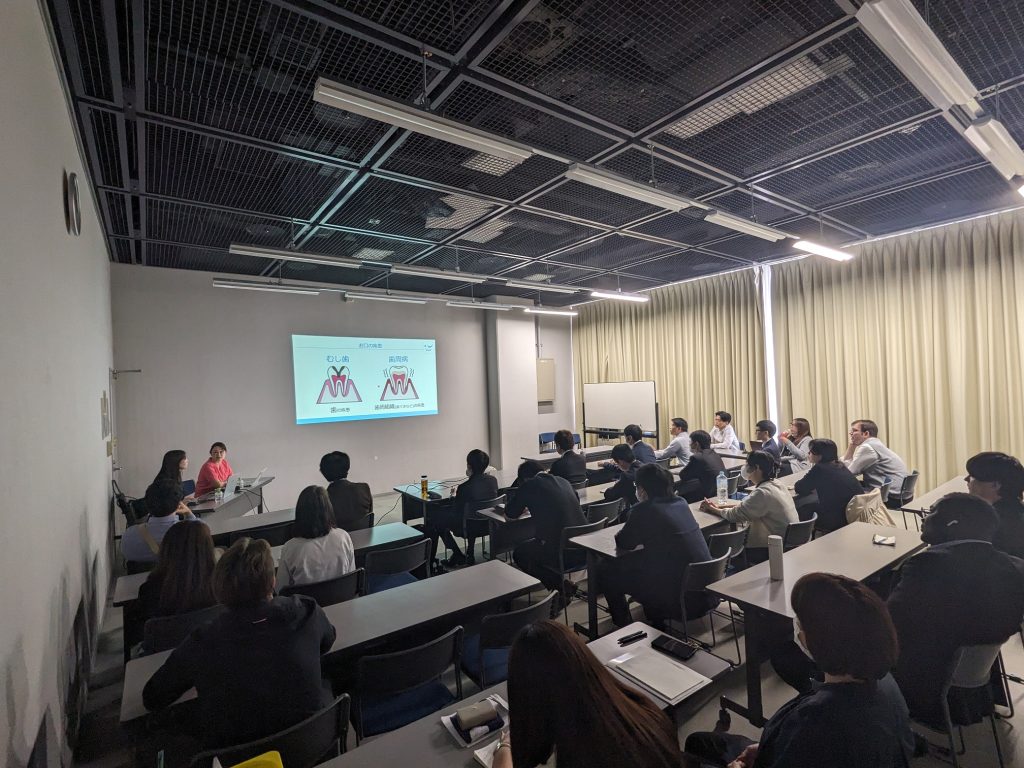
Building on our last session, the goal of this study meeting was to deepen our understanding of low-code development and Outsystems by gaining hands-on experience with Outsystems development. This time, we had many new members join us, making the session even more vibrant and engaging.

Here’s how the study session unfolded:

  1. Recap of the Previous Session
  2. Watching Educational Videos – Focus on UI Development
  3. Hands-On Development with Outsystems
  4. Summary and Q&A

Watching Educational Videos – Focus on UI Development

We kicked off the session by watching official educational videos provided by Outsystems. This time, the videos focused on UI development, where we learned the basics of screen widgets, variables, and client-side logic.

If you’re interested, you can watch the videos here (an Outsystems account is required).

Hands-On Development with Outsystems

After watching the videos, each participant used their own Outsystems environment to start developing. During this hands-on session, we primarily focused on:

  • Adding Widgets and Logic to Screen
  • Utilizing Aggregates ( Learn more about Aggregates here.)
  • Displaying Data on Screen

We experienced firsthand the unique advantages of developing with Outsystems, such as the simplicity of adding widgets through drag-and-drop and the visual manipulation capabilities provided by Aggregates for data retrieval and sorting.

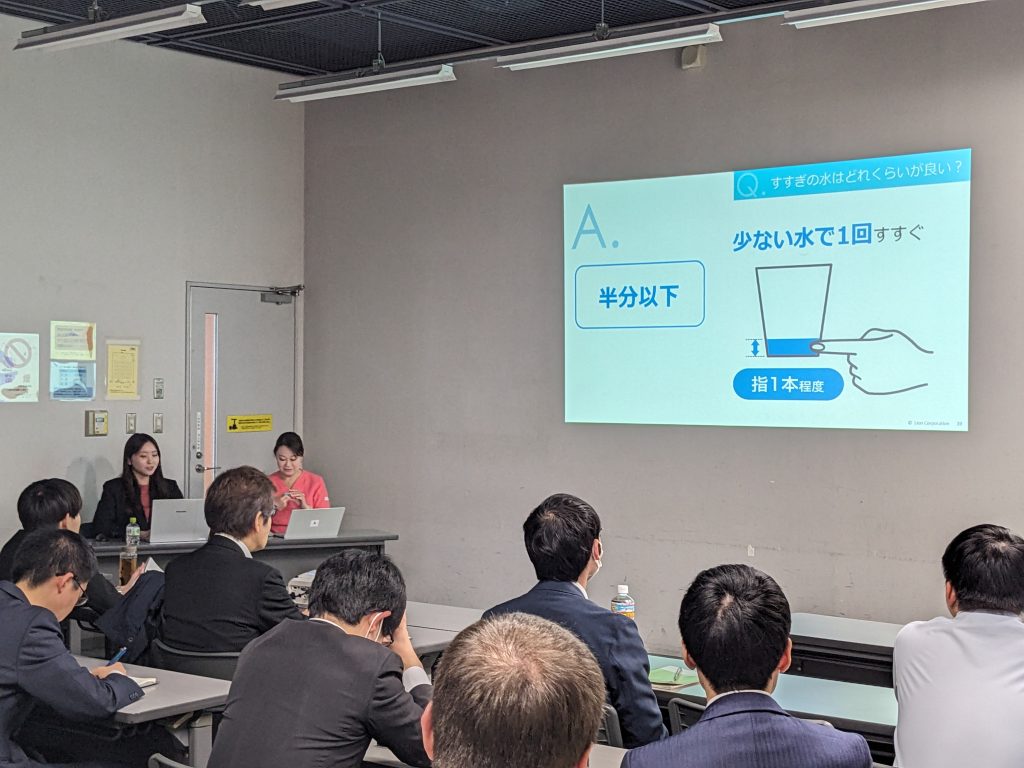
Throughout the development process, we followed the instructor’s explanations and worked on our own projects, enhancing our practical skills.

While listening to the instructor’s explanations, we proceeded with development in our own environments.

Summary

In this study session, we tackled more hands-on content compared to the previous one, successfully conveying the benefits of low-code development and Outsystems. The development experience segment fostered active discussions and Q&A among the participants, further deepening our understanding.

We plan to continue hosting study sessions focused on Outsystems development in the future. Stay tuned for our next article!

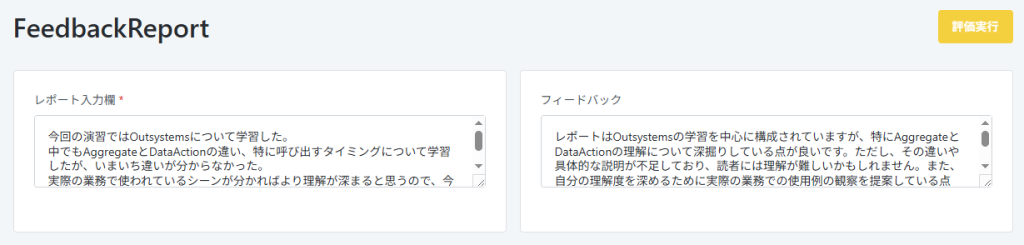
社内勉強会:Outsystemsを用いたローコード開発体験 part2

今回の勉強会記事を担当します、第2ユニットのオギです。
今回は社内勉強会「Outsystemsを用いたローコード開発体験 part2」が開催されましたので、その様子をご紹介します!

前回の勉強会の様子はこちら

前回に引き続き、今回の勉強会も「Outsystemsでの開発を体験することで、ローコード開発やOutsystemsへの理解をより深めていくこと」を目的としています。
今回からの参加となるメンバーも多数いて、さらに活気ある勉強会となりました。

勉強会の流れは以下のとおりです。
⓪前回の勉強会のおさらい
①学習動画視聴 -UI開発について-
②Outsystemsでの開発体験
③まとめ、質疑応答

学習動画視聴 -UI開発について-

まずはOutsystemsが公式で提供している学習動画を視聴しました。
今回はUI開発についての動画を通して、画面のウィジェットや変数、クライアントのロジックについての基礎知識を学んでいきます。

こちらのリンクから視聴することができる(Outsystemsのアカウント取得が必要になります)ので、ご興味がある方は見てみてください!

Outsystemsでの開発体験

動画を視聴した後は、各々が構築したOutSystemsの環境を用いて実際に開発を進めました。

今回実施したのは主に以下のとおりです。
・画面へのウィジェット、ロジックの追加
・Aggregateの活用 (Aggregateについてはこちら)
・画面へのデータ表示

画面にウィジェットをドラッグ&ドロップで簡単に追加できたり、Aggregateを用いることでデータの取得やその条件、ソートなどを視覚的に操作できたりといったOutsystemsでの開発ならではの利点を体験しました。

講師の説明を聞きながら自分の環境で開発を進めていきます。

まとめ

今回の勉強会では前回よりもさらに実践的な内容を取り上げ、ローコード開発やOutsystemsの良さを伝えられた会になったかと思います。
開発体験のパートでは、近くのメンバーとの話し合いや質疑応答が盛んにおこなわれ、理解も一層深められたのではないでしょうか。

今後もOutsystemsの開発をテーマとした勉強会を開催予定です!
次回の記事もお楽しみに。

Engineering Blog – Internal Security Training (Training Emails)

Welcome to the engineering blog, where we share what we’re learning and working on daily.

As part of our employee security education efforts, we conducted a training email exercise.

What is a Training Email?

A training email involves sending employees simulated emails that mimic targeted attack emails to strengthen their ability to respond effectively.
Targeted attack emails are a sophisticated technique aimed at stealing sensitive information, often directed at specific organizations or individuals.

In this training, pseudo-attack emails resembling work-related communications were sent to selected employees to evaluate whether they would open the email or its attachments.

What We Did

1. Created Realistic and Persuasive Email Content

We designed email content and subject lines that employees might open without thinking twice. The goal was to create emails that seemed plausible during the training period.

Example of training email

2. Created a Fake Virus File (Word Document)

For this exercise, we embedded a mechanism into a Word file that accessed our company-managed server when opened.

If an employee opened the attachment, the file accessed the server and logged a unique ID hidden in the document.
By checking the output log, we were able to identify which employees had opened the file.

Unfortunately, a few employees did open the attachment during this exercise.

How training emails work

3. Conducted Internal Re-education

We followed up with additional internal training to reinforce measures against targeted emails and raise awareness further.

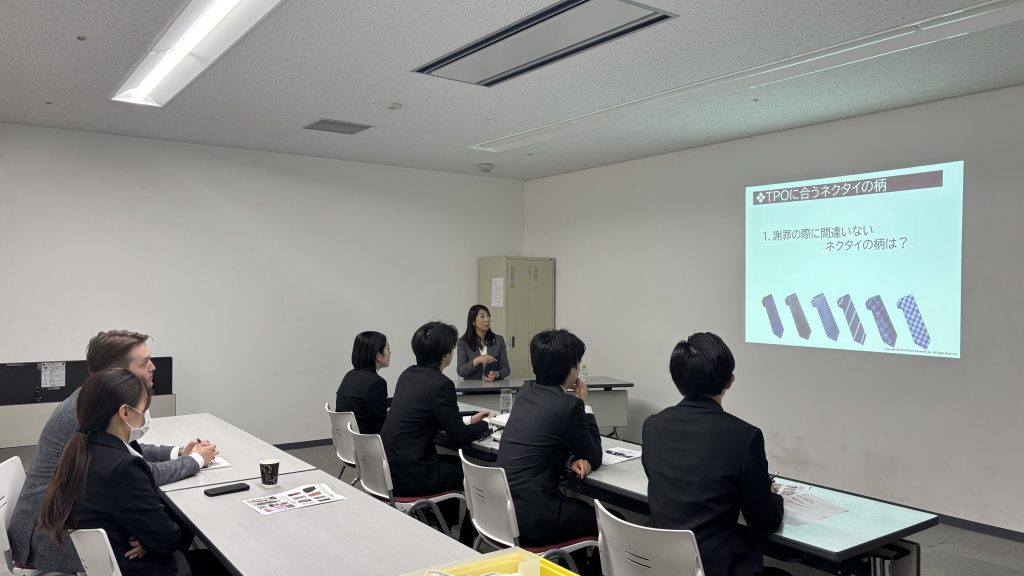
Refresher materials

Summary

This exercise helped raise employees’ security awareness.
We plan to continue these efforts in the future to further improve security measures.

Thank you for reading, and stay tuned for the next edition of the engineering blog!

技術者ブログ – 社内セキュリティ訓練 (訓練メール)

技術者ブログとして日ごろ取り組んでいる学習内容をご紹介します。

社員のセキュリティ教育の一環として訓練メールを実施しました。

訓練メールとは

標的型攻撃メールを模した疑似的なメールを従業員に送信して、攻撃メールへの対応能力を養うためのものです。
標的型攻撃メールは、重大な情報を盗むことを目的として特定の組織や個人に送信される巧妙な攻撃手法です。

そこで、訓練メールでは、業務用メールなどに似た疑似攻撃メールを対象従業員に送信し、メールを開封したかどうか、添付ファイルを開いたかどうか評価しました。

実際に行ったこと

1.引っ掛かりやすいメール文章を作成

何気なく開いてしまうかもしれないメールの文章や、名前を考えてメールを作成しました。

訓練メールを行った時期にありえそうなメールを作ることを考えました。

訓練メール文章

2.偽ウイルスファイル(Word)作成

今回は、Wordファイル内に、ファイルを開くと自社で管理しているサーバへアクセスする仕組みを組み込みました。

訓練メールで、添付ファイルを開いてしまったら、

サーバへアクセスし、Word内に仕組まれていたIDをログに出力します。

出力されたIDによって、どの従業員が添付ファイルを開いたか特定できます。

ちなみに、今回の訓練で数人添付ファイルを開いてしまいました。

訓練メールの仕組み

3.社内再教育

再度社内教育を行い標的型メールへの対策を再認識しました。

再教育資料

まとめ

今回の訓練により従業員のセキュリティ意識の向上になったかと思います。
今後も、続けていきたいと思いました。

以上となります。

次回の技術者ブログをお楽しみに。

Employee Introduction

Thank you for reading! Today’s introduction is brought to you by Junpei, and it’s been a while since my last post.

A Recent Hobby

Lately, I’ve gotten back into Pokémon, thanks to my wife’s influence. It’s been about 20 years since I first fell in love with it back in elementary school, when Pokémon Red/Green debuted on the Game Boy. Now, the nostalgia has kicked in again after all these years.

Not long ago, Mie Prefecture’s Shima Spain Village teamed up with Pokémon for a limited-time collaboration. Naturally, I had to check it out. The park was filled with Pokémon displays everywhere, drawing crowds of all ages.

Throughout the area, Pokémon appeared at every turn!
There were lines of people waiting to take photos at popular spots.

Pokémon Everywhere!

Every corner of the area featured Pokémon—and for the more popular photo spots, people were even lining up. I rediscovered old favorites I used as a kid and met new Pokémon introduced over the past two decades. Witnessing a franchise that continues to be cherished by so many people for so long made a strong impression on me.

In the IT industry, we work every day to develop systems that make a positive impact. Lately, I’ve been thinking how wonderful it would be if we could create something as universally beloved as Pokémon—something that resonates with both children and adults alike.

Stay tuned for the next blog post!

社員紹介

閲覧いただきありがとうございます。
今回の社員紹介を担当する「じゅんぺー」です。
久しぶりの投稿になります。

最近の趣味

最近、妻の影響でふたたびポケモンにはまっています。
私が小学生の頃にゲームボーイのポケットモンスター「赤」/「緑」が発売され、夢中になったあの時代から20年ぶりに再燃しました。

先日は三重県の志摩スペイン村が期間限定でポケモンとコラボしていましたので思わず足を運びました。
スペイン村のあちらこちらに数多くのポケモンが登場し、老若男女問わず多くの人で賑わっていました。

エリア内のいたるところにポケモンが…!!
人気スポットでは写真待ちの列ができてました

子供の頃に使っていたポケモンと再会し懐かしさを感じたり、
この20年間で新たに登場したポケモンとの出会いがあったりと、多くの人に長い間愛され続けるコンテンツの素晴らしさに感動しました。

私たちもIT業界で日々、多くの人の役に立つシステム開発を目指していますが、
ポケモンのように子供から大人までに愛されるようなモノが作れたらいいなあと思っている今日この頃です。

次回のブログもどうぞお楽しみに。

Recreation: “We Went to Higashiyama Zoo and Botanical Gardens!”

At Dandelions, we regularly hold “Recreation” events to deepen the camaraderie among employees!

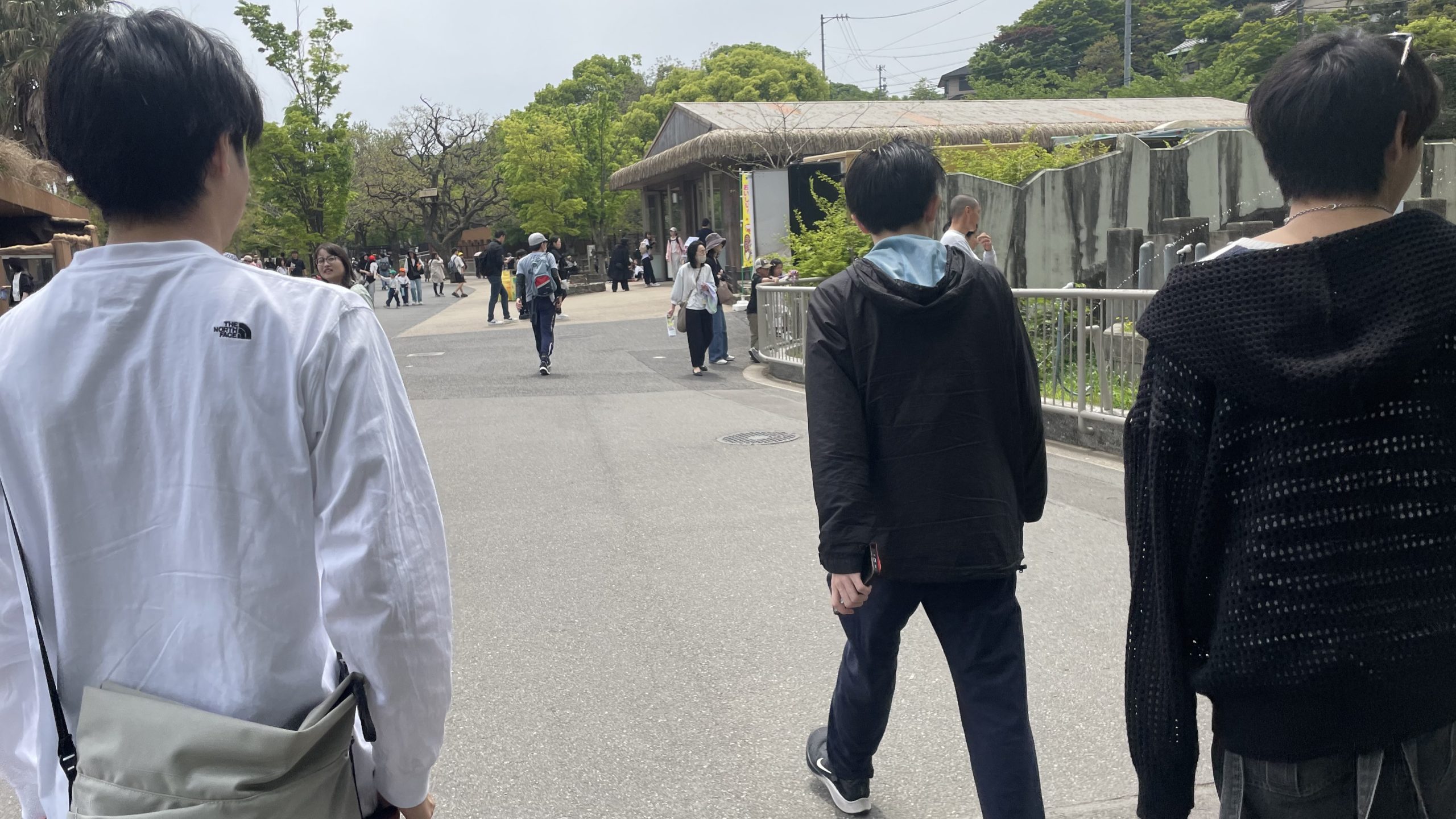
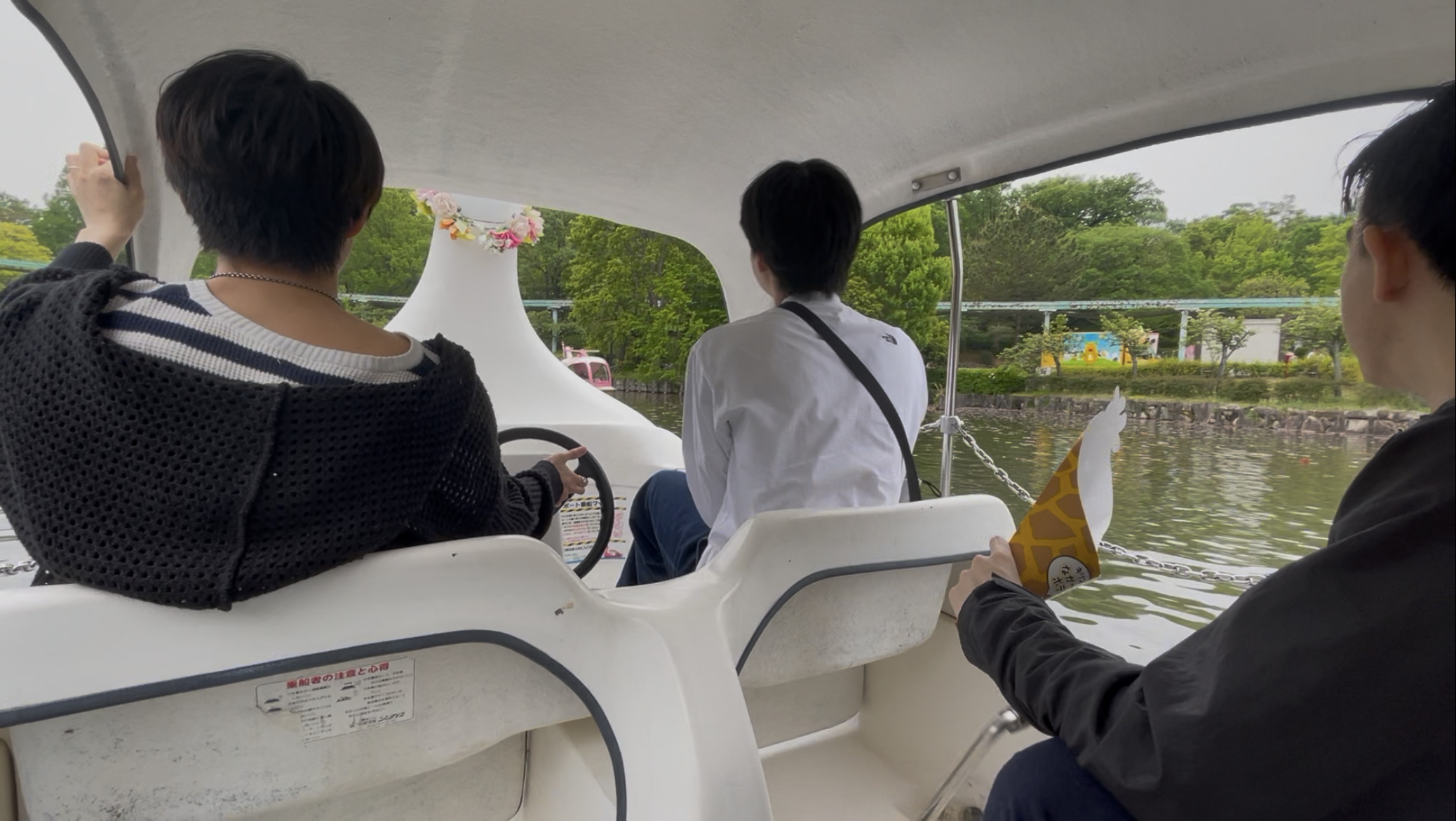
This is “George” from Unit 3. As previously introduced in this blog, Dandelions has become a sponsor of the young lion “Regulus” at the Higashiyama Zoo and Botanical Gardens. To go see “Regulus” (and other animals) together, Unit 3 organized a recreation event—a visit to the Higashiyama Zoo and Botanical Gardens.

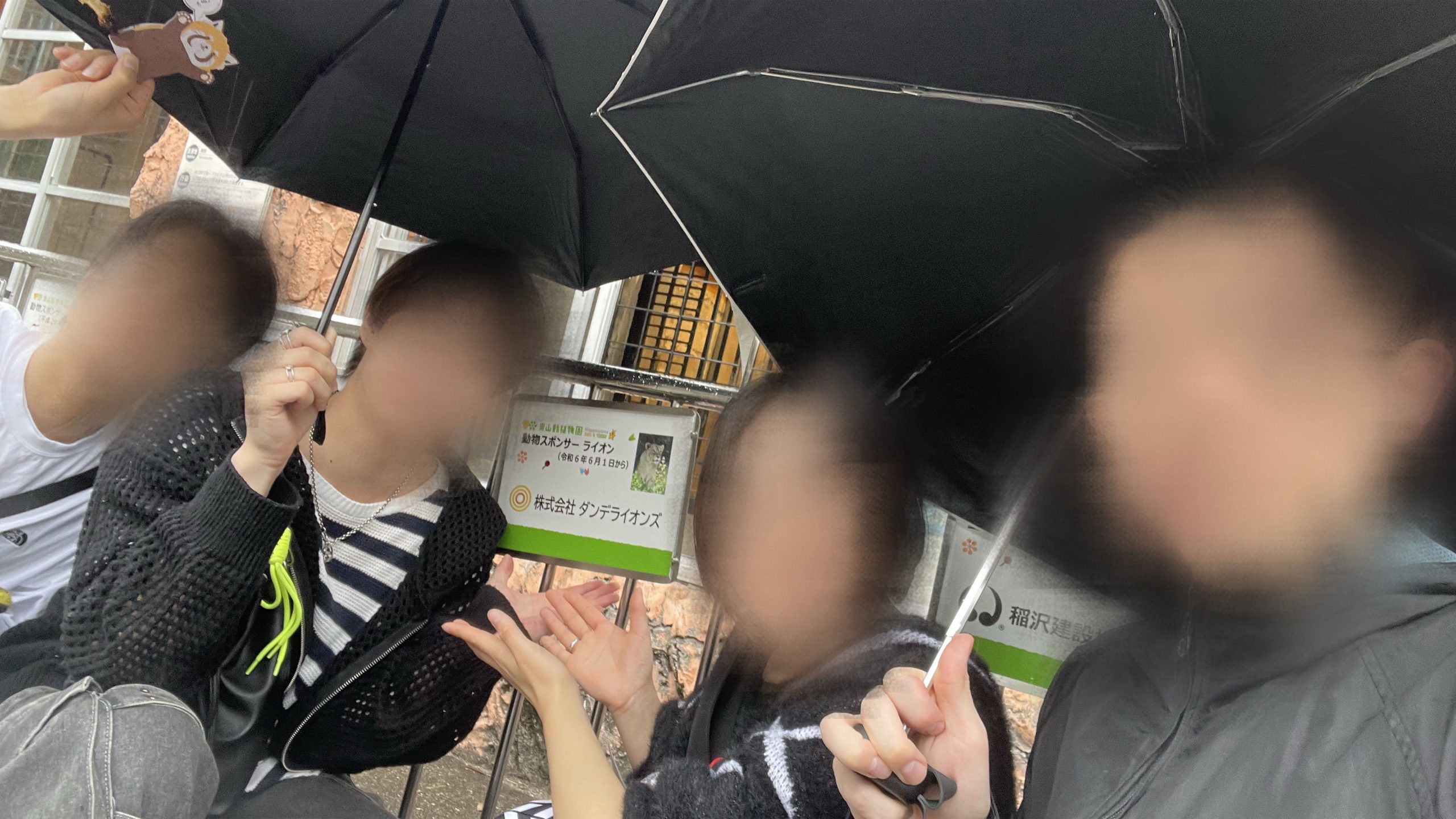
After the date was set for Saturday, October 19, we kept an eye on the weather forecast. Unfortunately, the weather didn’t favor us on the day—it rained, and it was unusually hot and humid for October. However, even while walking around with umbrellas, we were able to thoroughly enjoy the zoo and botanical gardens.

To make touring the zoo and botanical gardens even more interesting, we also held an animal scavenger hunt game. Participants earned points by finding specific animals, taking photos, and submitting them, with points awarded based on their rarity (difficulty of finding them). The recreation participants were divided into four teams and set out to find the animals.

Komodo Dragon (Apparently, in Japan, it can only be seen at the Higashiyama Zoo and Botanical Gardens.)
Finding the Emerald Tree Boa
In Front of “Regulus”

(By the way, before going to the zoo and botanical gardens, we all had lunch together at a nearby restaurant.)

Stay tuned for the introduction of our next recreation event!

レクリエーション「東山動植物園に行きました!」

ダンデライオンズでは社員同士の親睦を深めるための「レクリエーション」を定期的に開催しています!

第3ユニットの「じょーじ」です。本ブログですでに紹介されたように、ダンデライオンズは、東山動植物園の若きライオン「レグルス」のスポンサーになりました。「レグルス」(のみならずの動物たち)をみんなで見にいくために、第3ユニットが今回開催したレクリエーションは、東山動植物園への訪問になりました。

開催日が10月19日の土曜日に決まってから、天気予報を見ていました。残念なことに、当日は天気に恵まれず、雨が降って、10月とは思えないほど暑くて湿気の多い日でした。ただし、傘をさして歩いていても、動植物園を十分に楽しめました。

そして、動植物園を見て回ることをもっと面白くするために、動物探しゲームも開催しました。特定の動物を発見して、写真を撮って提出すると、そのレア度(発見の難易度)に応じてポイントをもらうシステムでした。レクリエーションの参加者が4つのチームに分かれて、動物を探していました。

コモドオオトカゲ(日本では、東山動植物園でしか見られないようです。)
エメラルドツリーボアの発見
「レグルス」の前

(ちなみに、動植物園に行く前に、近くのレストランで、みんなで昼ご飯を食べました。)

次のレクリエーションの紹介をお楽しみに!

Engineering Blog: Migrating Outsystems Database to an External DB

Welcome to our engineering blog, where we share the learning experiences we’re engaged in daily. This time, we’re focusing on low-code development in Unit 2.

Today’s Theme: Migrating Outsystems Database to an External DB

In Outsystems, you can request a free cloud version called the Personal Environment (PE) by creating an account. (What is an OutSystems Personal Environment – OutSystems Support)
Using this environment, you can develop personal applications for small-scale users and are provided with 2GB of database storage.

However, there are some inconveniences, such as limited storage capacity and the inability to access the database directly from external sources. To address these issues, we decided to migrate the internal database created in Outsystems to an external database while keeping the table definitions unchanged. Below are the results of this migration.

Environment Information

Personal Environment: Version 11.31.0 (Build 43948)
Service Studio: Version 11.54.80 / Build 63652
Data Extractor: 1.4.0

About Data Extractor

By using Data Extractor, freely available on the Forge, you can obtain the actual table DDL corresponding to the Entities created in Outsystems. Here’s how to use it:

  1. Install “Data Extractor” from the Forge.
  2. Launch the application via “Open In Browser.”
  3. Log in by entering your ID and password.
  4. Create a new snapshot by clicking “New Snapshot” on the top page.
  5. Configure the new snapshot with the following settings:
    ・Snapshot Name: Give your snapshot a name. Any name is fine.
    ・Extract Configurations: Check the “Table DDL” option. Other items are optional.
    ・Extract Entities: Add the Entities for which you want to output the DDL to the list.
     Use the “Search Entity to Add” feature to find Entities by prefix matching. Select the desired Entity and click “Add” to include it in the list.
    Other Items: Optional. Configure as needed.
  6. Click the “Run” button. Your snapshot will appear in the list on the top page with the status “Created.” Once the status changes to “Done,” you can download it by clicking the “↓” icon on the far right.
  7. Contents of the downloaded Zip file:
    ・[TableName].csv.gz: Export of data registered in the Entity.
    ※Note: In our testing environment, Japanese characters were displayed as “?” and could not be read correctly.
    ・TableDDL.Create.sql.gz: DDL of the actual table corresponding to the Entity.
    ※Includes the following:
     ・Create Table statements
     ・Alter Table statements to add foreign key constraints to columns of the Entity Identifier type
     ・Create Index statements to add indexes to columns of the Entity Identifier type

By executing the Create Table statements obtained through these steps, you can create tables with the same layout as the internal database on your own SQL Server.

To reference the tables created in the external database from Outsystems, you’ll need to create a Database Connection via the Service Center and then set up the connection to the tables through “Connect to External Table or View” in Integration Studio.

Summary

  • Outsystems provides an internal database by default.
  • To migrate to an external database, you can obtain the Entity’s DDL using the Data Extractor from the Forge.
    • For data migration, alternative methods may be necessary since columns containing Japanese characters might become garbled.
  • Referencing tables in the external database requires creating a Database Connection and setting up connections through it.

How did you find this guide?
We hope these steps will be helpful when you consider externalizing your own database in the future.
Our Unit 2 team will continue to share engineering blogs using low-code tools like OutSystems, so stay tuned!