Employee Introduction

Thank you for reading!
I’m Fuku, the writer for this article. (This is my third appearance.)

I’d like to share why I joined Dandelions and my impressions since joining.

Reason for joining the company

I have worked in the IT industry for approximately 12 years.
I have primarily been responsible for system maintenance, continuing to perform operations and improvements to ensure systems run stably.

Maintenance work is a crucial job and plays an essential role in supporting the system.
By quickly identifying the cause when failures occur, I gained the ability to understand the entire system.
Improving the system based on user requests made me realize the importance of communication with users, providing valuable experience.

On the other hand, as I continued working for a long time, I also began to feel frustrated by the lack of opportunities to engage with new technologies.

It was around the time I began to wonder, “Is it really okay to stay like this?” and “I want to challenge myself with something new.”

At that time, I heard that the current CEO and President was launching Dandelions.
When I heard that, I felt it would be a chance to take on new challenges, grow technically, and be involved in building the company. I decided to join, thinking, “Let’s make a fresh start and give it a shot.”

My thoughts since joining the company

Before I knew it, eight years had passed since I joined the company.
When I first joined, we started as a small team of founding members. I clearly remember working in an atmosphere where everyone was close, tackling new technologies together while building the company from the ground up.

From there, our team gradually grew, and today we’ve welcomed young employees and members from other countries, making our team incredibly diverse. Working alongside members of different ages, backgrounds, and cultures is truly fascinating—it exposes me to new perspectives and ways of thinking, providing valuable inspiration every day.

Moving forward, I aim to leverage the experience I’ve cultivated to date while also focusing on creating an environment where members can collaborate more easily and providing greater support.
As the company continues to grow, I want to contribute to building a better organization by supporting the entire team so they can perform at their best.

That concludes this blog post.
We hope you’ll look forward to our next blog post.

Recreation: “Let’s Try Myanmar Cuisine”

Hello everyone! I’m “Pudding🍮” from Team 1.
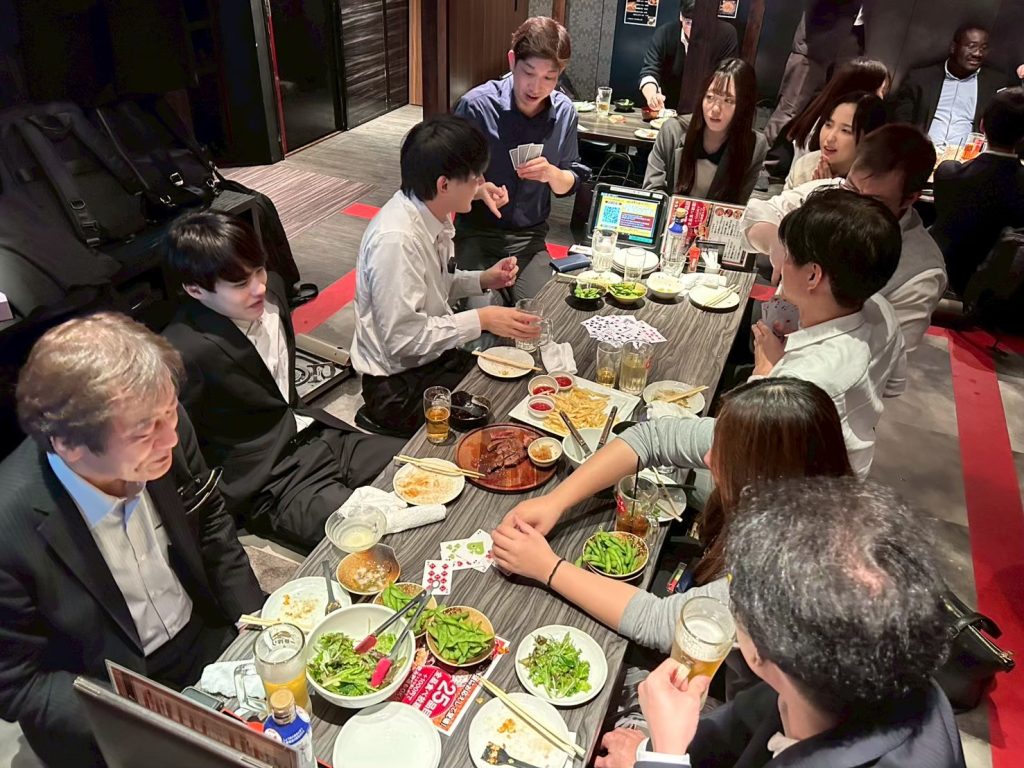
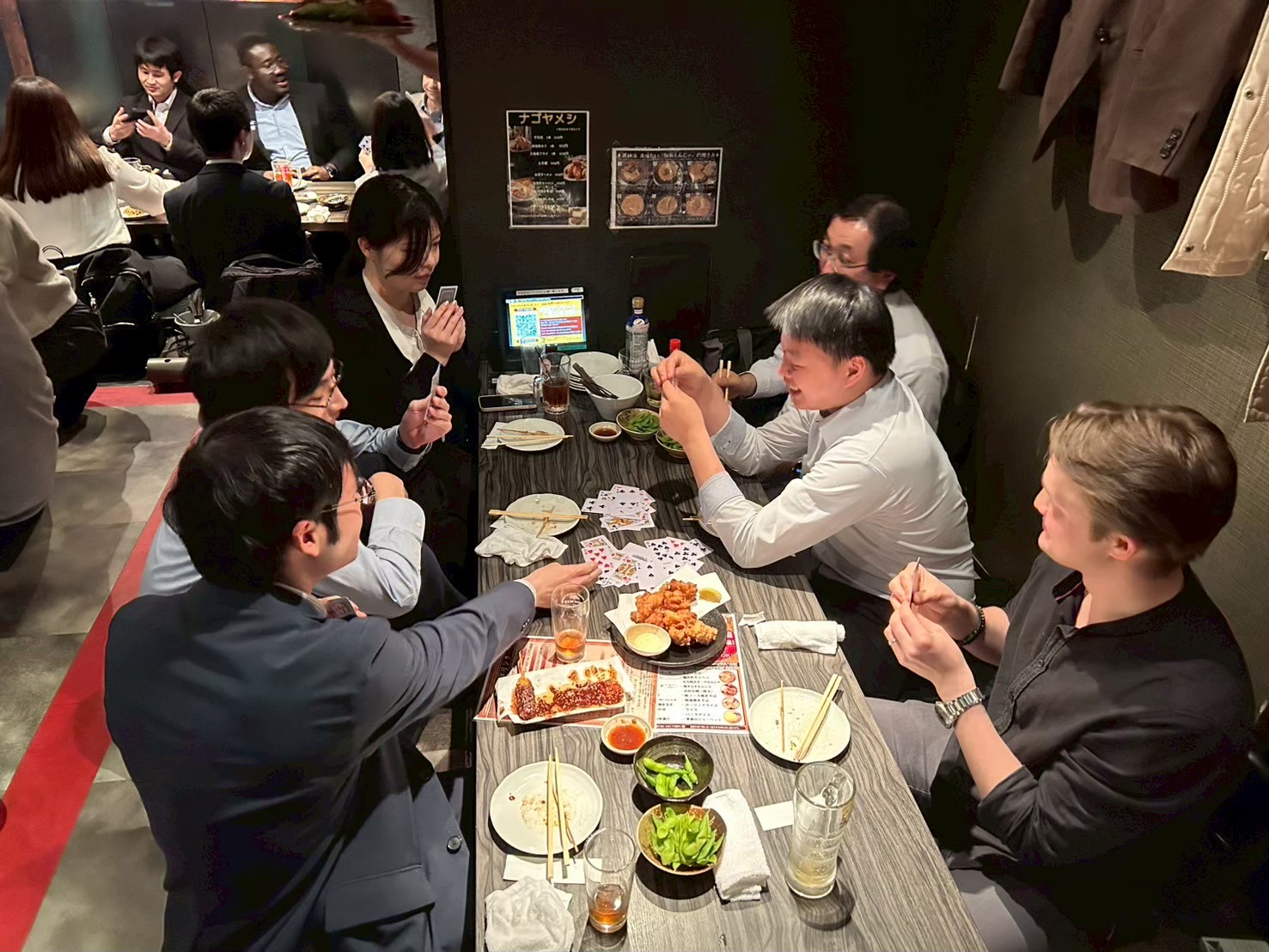
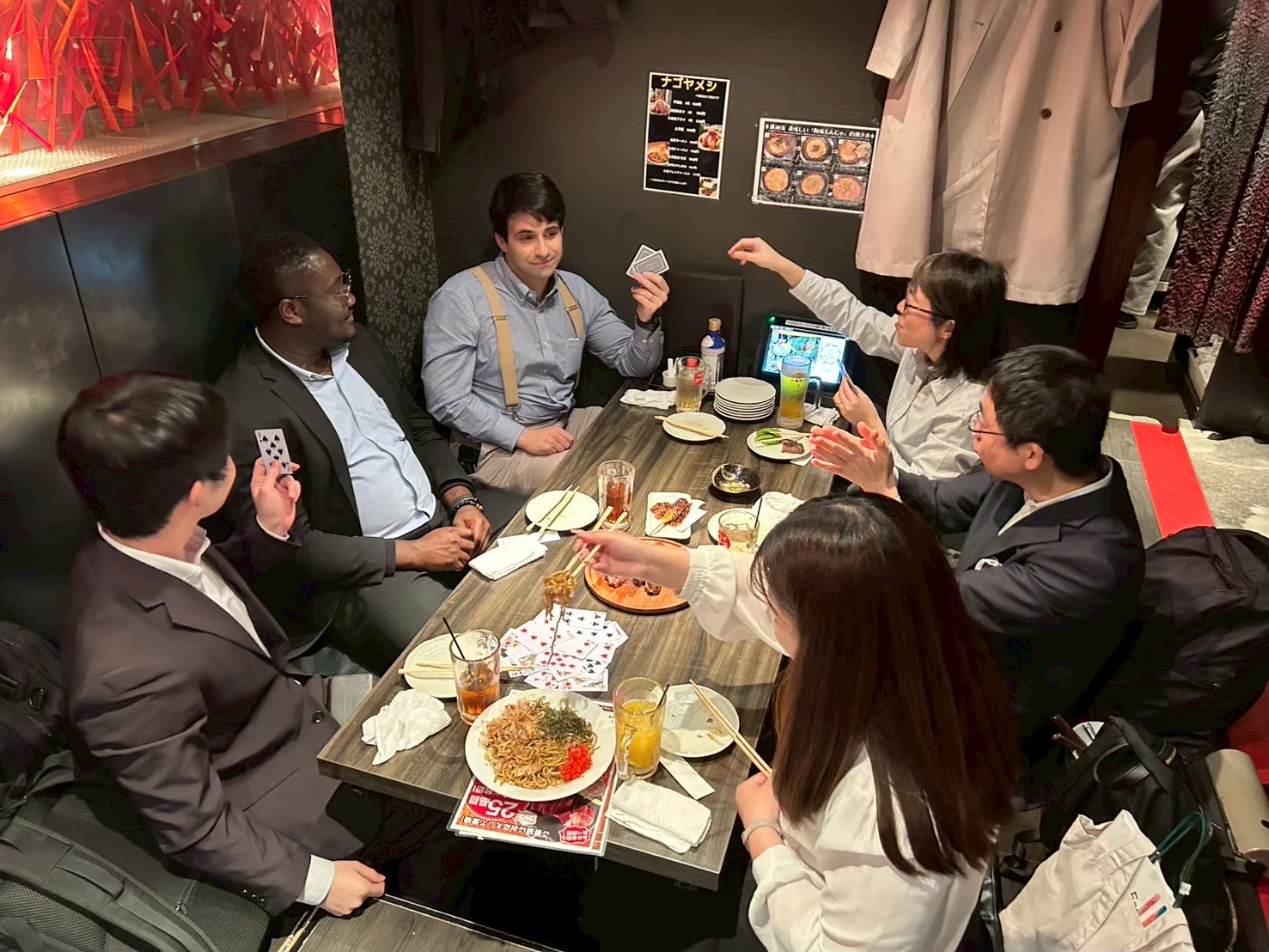
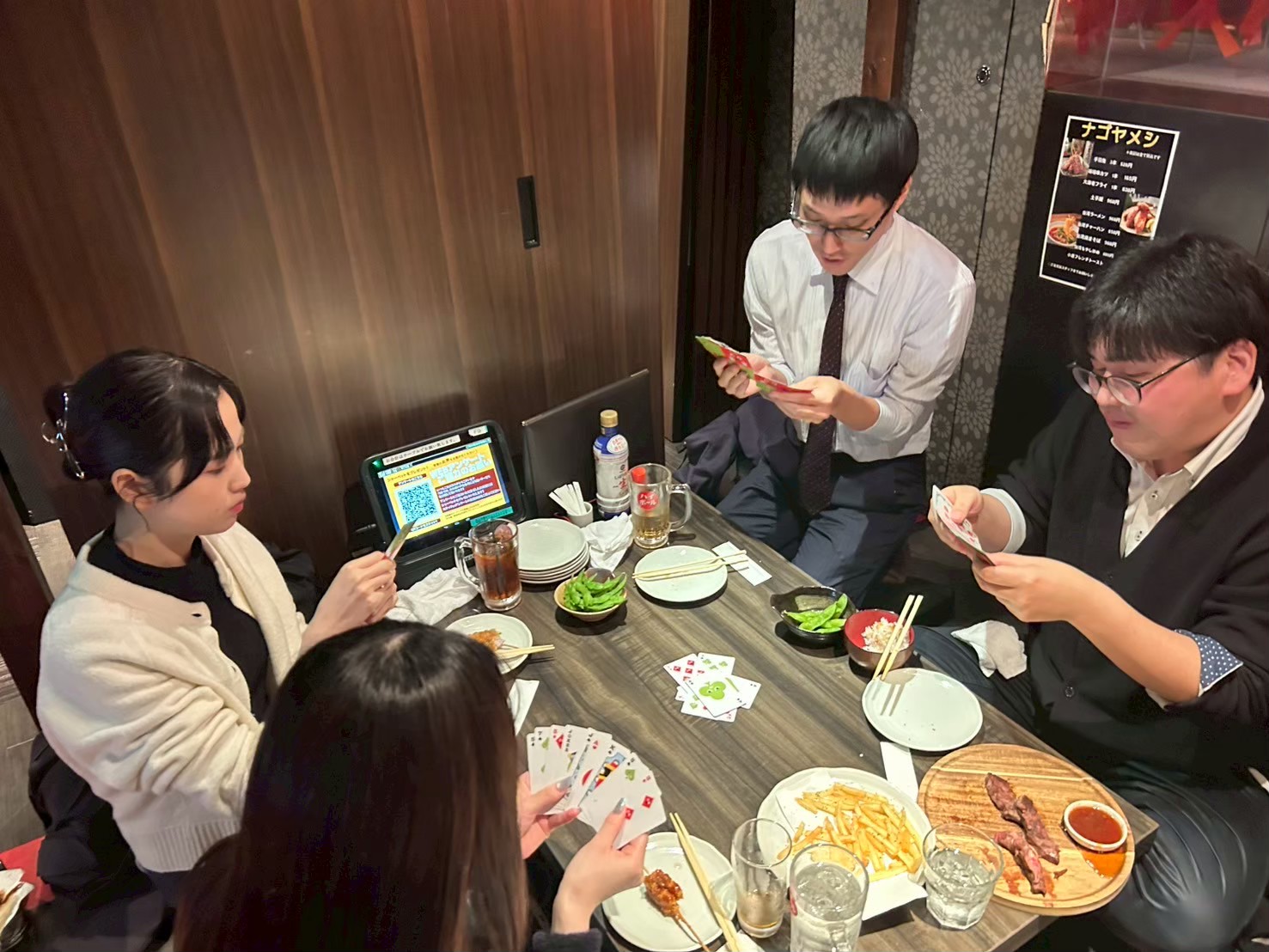
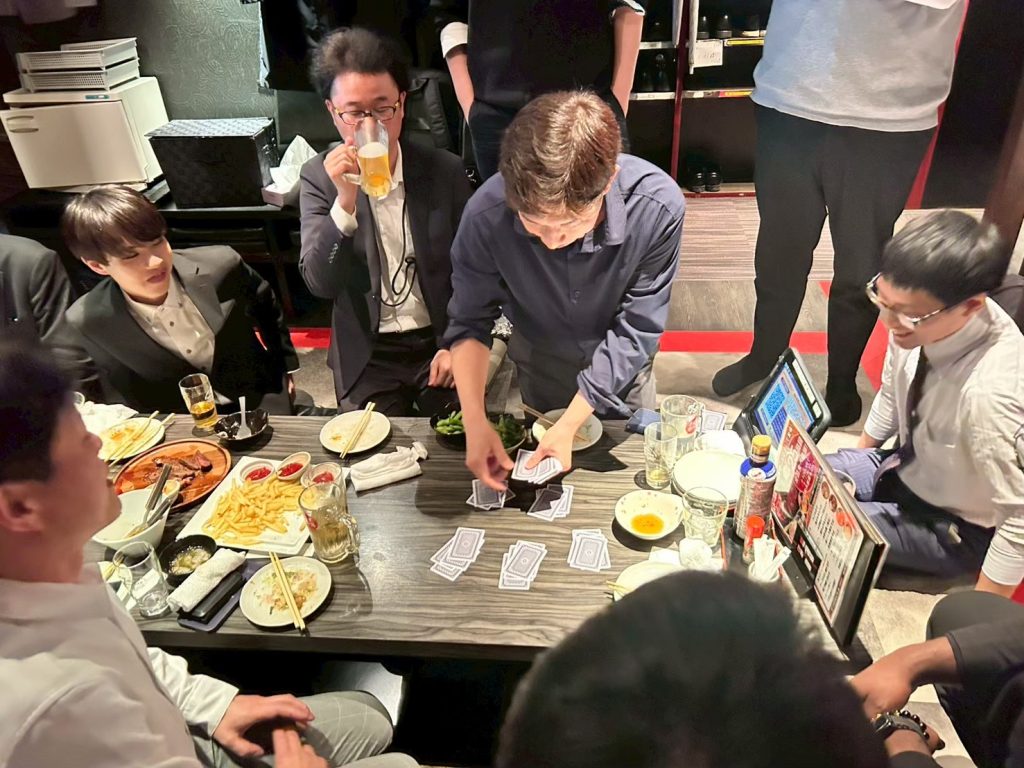
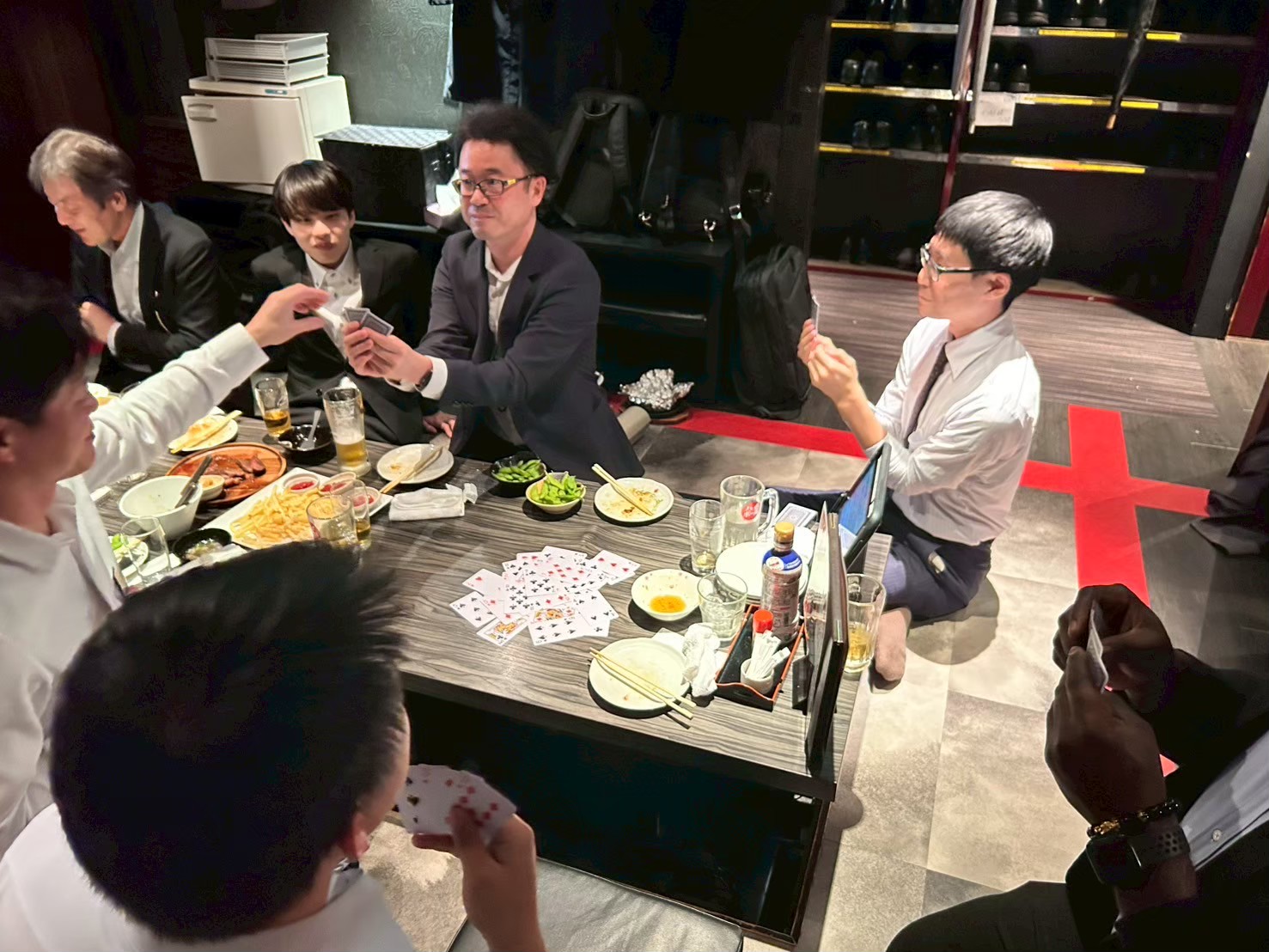
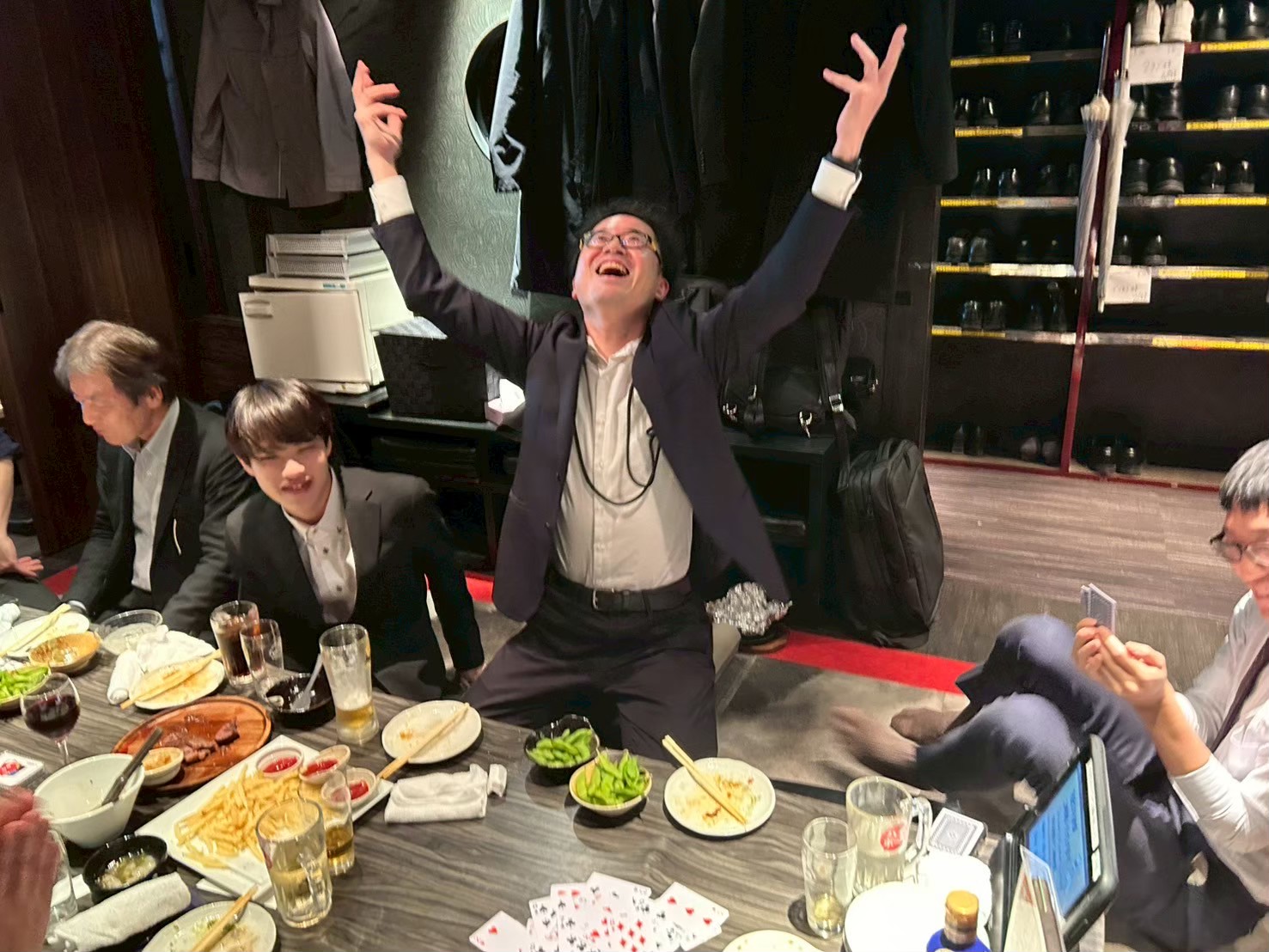
At Dandelions, we regularly hold recreational events to foster camaraderie among employees. This time, Team 1 hosted an outing to a Myanmar restaurant near Fushimi Station!

Some of you might be wondering, “Why Myanmar cuisine?” Actually, Team 1 has a member from Myanmar, and this project started from the idea that “Since we have this chance, let’s make it a recreation where we can experience a culture outside of Japan!”

Hesitation during the planning stage

Actually, Myanmar cuisine wasn’t the only option from the start. Since the event was held in winter, close to Christmas, ideas like a gift exchange were also proposed.
We tried taking a survey within Team 1, but opinions just wouldn’t come together…
Therefore, we’ve decided to conduct a company-wide survey!

The result was…

  • Myanmar cuisine: 58.3%
  • Gift Exchange: 41.7%

The opinions were evenly split until the very end, making for a fascinating outcome.
In the end, it was decided by a narrow margin: Myanmar cuisine!

Off to the store!

I made a reservation at a recommended Myanmar restaurant, and the day finally arrived. To begin with, I was shocked to learn there are only about three restaurants serving Myanmar cuisine around Nagoya Station…!
Upon entering the shop, the first thing I noticed was the exotic aroma.
Perhaps it was spices. A unique scent, unlike anything I’d smelled much in Japan, filled the air.

My thoughts after actually trying it

The dishes we were served this time included a wide variety, such as Mon Hinga (a traditional Myanmar breakfast dish featuring rice noodles in a soup made with catfish or other fish), Che Oo Sittar (a stir-fried noodle dish with pork and quail eggs), and Wetta Daw Taw (a street stall staple where pork and offal are skewered and simmered in a soy sauce-based broth).

Honestly, I expected the food to have a stronger flavor profile, but when I actually tried it, the seasoning was very easy to eat, even for Japanese people.
However, there are quite a few spicy dishes, so those who aren’t fond of spicy food might want to be a bit cautious.
Even if you think while eating, “This is just the right amount of spice and delicious,” sometimes the heat creeps up on you afterward, and you can’t stop sweating.

Every dish was something rarely found in Japan, allowing us to fully enjoy Myanmar’s culinary culture.

Recreation begins!!

Of course, we didn’t just enjoy the recommended dishes; this time we also split into three groups for a little activity.
The idea was to each rank “dishes that people from Myanmar find delicious” and “dishes that Japanese people find delicious,” then compare them!
When we actually tasted them side-by-side, differences in taste perception and preferences became apparent. Comments like “Wait, this is number one!?” and “This one might actually be more Japanese-friendly than expected” naturally sparked conversation.
Furthermore, deciding the rankings by sharing opinions within each group sparked lively conversation even among members who don’t usually talk much, making it a very exciting time.
Not just about work,

・Food preferences
・Talk about hometowns
・Cultural differences
One of the major benefits of this event was the relaxed atmosphere unique to recreational activities, which allowed us to interact freely.

Summary

This recreational event allowed us to deepen camaraderie among employees while experiencing a different culture through Myanmar cuisine.
The recreation focused on “experiencing an unfamiliar culture” proved to be more enjoyable and educational than we had imagined.

That’s all for this time.
Thank you for reading this far.
Stay tuned for next time!

Engineering blog – 5 Useful Java Features in Modern Java

Java has evolved significantly over the past decade. While many developers still associate Java with verbose syntax and heavy boilerplate, modern Java versions (Java 8 and beyond) introduced powerful features that make development cleaner, safer, and more expressive.

In this article, we’ll explore five useful Java features that every developer should know and start using today.

1. Lambda Expressions

Lambda expressions allow you to write concise, functional-style code. They eliminate the need for anonymous classes and make your code easier to read.

Before Java 8:

Runnable r = new Runnable() {
    public void run() {
        System.out.println("Hello World");
    }
};

With Lambda:

Runnable r = () -> System.out.println("Hello World");

Why It’s Useful:

  • Reduces boilerplate code
  • Improves readability
  • Encourages functional programming

Lambda expressions are widely used with Streams, collections, and event handling.


2. Stream API

The Stream API allows you to process collections in a declarative and functional style.

Example:

List<String> names = List.of("Alice", "Bob", "Andrew");

names.stream()
     .filter(name -> name.startsWith("A"))
     .map(String::toUpperCase)
     .forEach(System.out::println);

Benefits:

  • Clear and expressive data processing
  • Supports parallel execution
  • Encourages immutability

Streams make complex data transformations readable and maintainable.


3. Optional Class

Optional helps avoid NullPointerException by explicitly representing a value that may or may not exist.

Example:

Optional<String> username = Optional.ofNullable(getUsername());

username.ifPresent(System.out::println);

Why It Matters:

  • Encourages null-safe coding
  • Makes APIs clearer
  • Reduces runtime errors

Instead of returning null, methods can return Optional<T> to express uncertainty.


4. Records (Java 16+)

Records provide a concise way to create immutable data classes.

Example:

public record User(String name, int age) {}

The compiler automatically generates:

  • Constructor
  • Getters
  • equals() and hashCode()
  • toString()

Advantages:

  • Less boilerplate
  • Immutable by default
  • Ideal for DTOs

Records are perfect for modeling simple data carriers.


5. Switch Expressions

Modern Java allows switch to return values and use arrow syntax.

Example:

String dayType = switch (day) {
    case "Sat", "Sun" -> "Weekend";
    default -> "Weekday";
};

Why It’s Better:

  • More concise syntax
  • No need for break
  • Fewer bugs

Switch expressions improve readability and reduce accidental fall-through errors.


Modern Java focuses on: Cleaner syntax, Safer code and Better developer experience.

If you’re still using older Java patterns, upgrading your style to include these features can dramatically improve your productivity and code quality.

Stay tuned for our next article!

Employee Introduction

Thank you for viewing this article.
I’m Michi, handling this employee introduction piece. This is my fourth appearance.

My last post (here) was in November 2023, so this is my first post in about two years.

I’ll share why I joined Dandelions and my thoughts on joining the company.

Reason for joining the company

In my previous position, I worked as a systems engineer for approximately 12 years.
After completing in-house training, I was assigned to the same client site for about 11 years, where I was engaged in the work.

The company at that time held many social events like employee trips and BBQs, fostering a close-knit atmosphere among staff. Within that environment, I was often entrusted with organizing events, naturally gaining experience in bringing people together and creating a positive atmosphere.

My interactions with Mr. Takahashi, the representative of Dandelions, were more often through organizing these social events than through daily business operations. He consistently showed concern for me and provided support in various situations.
Event management was by no means easy, but I feel I learned the importance of seeing things through responsibly and working together with others to make them happen.

Later, I heard that Takahashi was starting a company and was invited to join as a founding member.
While I could have chosen to continue working in the same environment, my desire to “challenge myself in a new environment and take my growth to the next level” grew stronger, leading me to decide to join Dandelions.

Impressions after joining the company

It’s been eight years since I joined Dandelions, and during that time, I’ve worked at about five different client sites.
As projects and environments changed, I’ve had the opportunity to engage with numerous technologies and tasks I’d never encountered before.

While the frequent changes can be challenging at times, I believe one of this company’s defining features is that you’re constantly gaining new experiences rather than repeating the same tasks. As a result, I truly feel my skills and perspective are expanding, and my “toolkit as an engineer” is steadily growing.

Dandelions is a company that values human connections.
We host many events to foster camaraderie among employees, creating an environment where communication flows easily regardless of age or position.
I feel this company is well-suited for those who enjoy interacting with people and value working as part of a team.

Our new company headquarters is now complete, and we are steadily increasing our number of young members.
As we advance into the next phase as a company, an environment is taking shape where both experienced and young members can thrive in their respective roles.

Before I knew it, I found myself in the position of both a manager and a senior employee. Drawing on my past experiences, I aim to be someone who supports the growth of those joining our company going forward.
We look forward to working with those who wish to take on new challenges at Dandelions.

At Kabo Banta, Okinawa. I felt that as the environment changes, so does the scenery you see.

That’s all for this time.
Stay tuned for the next employee spotlight!

Enjoy a full day of science at the Nagoya City Science Museum & Planetarium

Thank you for reading.
I’m Hirotomaru, the writer of this article. In June, I visited the Nagoya City Science Museum as part of our employee training program.
It was a full‑sensory day of “seeing, touching, being amazed… and even sleeping (!?).”
The theme was: Playing with science and encountering the universe.

Every exhibit was a huge hit!

The science museum is divided into three sections: the Technology Building, the Life Science Building, and the Astronomy Building. Each one is packed with hands‑on exhibits, and there was so much to see that half a day wasn’t nearly enough.

The Extreme Cold Lab, where you can experience a −30°C environment, was especially popular—despite it being a Friday, the numbered tickets ran out early. A large group of elementary school students seemed to be there on a field trip, so every floor was buzzing with energy. I even spotted one of our employees making friends with the kids! From creating an artificial tornado to watching a 1.2‑million‑volt discharge show, the whole place was full of excitement.

Planetarium “Brother Earth”

The highlight of the day was, without a doubt, the world‑class planetarium
“Brother Earth”!
Inside its massive 35‑meter‑wide dome, the experience felt as if we were completely enveloped by the universe.

We began with an explanation of Nagoya’s night sky in June.
The stories and meanings behind the Summer Triangle, the North Star, and the positions of Saturn and Mars were so captivating that I found myself completely absorbed.

The visuals were stunning—it felt as if I were gazing up at a real star‑filled sky.
Since I rarely get the chance to look at the stars in everyday life, having this quiet moment to simply take in the sky felt truly special.

Black Hole Special: Drawn Into the Darkness of the Universe?

The second half focused on the special theme: black holes.
“What does it mean that even light can’t escape?”
“Time gets distorted? What exactly is spacetime?”
I found myself drawn deeper and deeper into these cosmic mysteries that we never encounter in everyday life.

The visuals and sound effects of the black hole were incredible, letting us experience what it might feel like to be drawn into the pitch‑black, bottomless vortex at its center.
The reclining seats were so comfortable that it seems some people were pulled into a sleep even deeper than a black hole…

Beyond Learning: An Encounter with Science

This day at the Nagoya City Science Museum was more than just a tour or a training session—it was an intellectual adventure filled with the joy of discovery and moments of genuine wonder.
Experiencing the many science‑based exhibits was truly enjoyable.

And that concludes our off‑site learning report from the Nagoya City Science Museum—a day filled with science, relaxation, and plenty of laughter!
Stay tuned for the next article!!

Introducing Our November Internal Contest!

Thank you for reading.
I’m Omatsu from the Business Management Department, and I’ll be handling this blog post. This time, as an event introduction, I’ll be sharing details about the End-of-Term Report Meeting held in November 2025.

The first presentation was from Team 1, which primarily handles AI. The content focused on video generation utilizing AI. Details are as follows.

  1. Planning
  2. Narration Text Generation
  3. Image material generation
  4. Generate videos using AI based on the generated images
  5. Edit
  6. Music Generation

I actually watched a video utilizing AI, and I was truly amazed—there were no inconsistencies in the footage used, and the narration was polished and stylish.

Next up is my presentation on the e-commerce site I’m responsible for. Details are as follows.

  1. Number of shops that signed contracts this term
  2. Number of shops publicly launched on the e-commerce site this period
  3. The Full Picture of the Strategic Shift (AI-generated video)
    • A Year of Transformation
    • Transition to the Kimono Market
    • New Content Strategy
    • Verification: Data and Expert Perspectives
    • 2026 Growth Roadmap
  4. Next Fiscal Year Activities

We submitted monthly reports, but looking back on this period as a significant milestone of one year, I believe it was a year where we saw substantial growth in the number of shops that reached contract and public launch stages, demonstrating that our daily efforts have yielded tangible results.

Following that, we reviewed events from this term (such as the office relocation) and discussed plans for the next term, during which it was announced that the structure would undergo significant changes from the current setup.

Employee Social Gathering

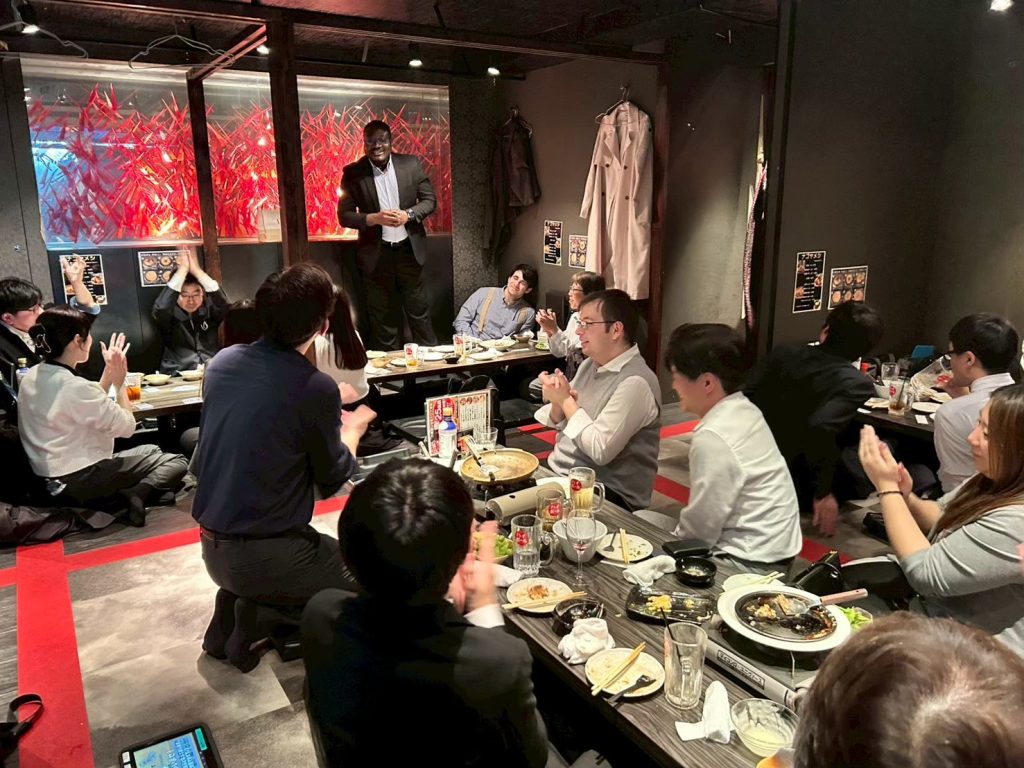
After the end-of-term report meeting, all employees enjoyed a Christmas dinner at Pergola, the restaurant at the Marriott Associa Hotel! We saw everyone’s eyes light up as they admired the array of roast beef and desserts on display!
Additionally, this gathering included those joining the company next April, providing an opportunity to deepen bonds. Everyone seemed to be having a wonderful time.

As the networking event drew to a close, we observed the prospective hires voluntarily moving around the room, actively engaging with our employees.

Summary

It was a valuable opportunity to learn about and share the activities we’ve undertaken over the past year.
I frequently see AI-generated videos posted as promotions for the e-commerce site I manage, but learning about the generation process firsthand made me truly appreciate their amazing capabilities.

Additionally, this was my first time being given my own presentation time at the end-of-term report meeting, and I was very nervous. However, I feel I was able to clearly convey the initiatives and challenges I faced this term.

That’s all for this introduction.
Stay tuned for our next blog post!

Setting Up a Vue 3 Development Environment on Windows Using Cursor

As a tech blog, I’d like to share what I’ve been learning recently.
This time, I’ll walk you through how I set up a Vue 3 development environment using Cursor, a code editor with built-in AI features.

Requirements

・Node.js
・Cursor
・Vue3
・Vue Router

Installing Node.js

Download the installer from the official website
The latest version at the time of writing is 24.12.0 (LTS)
Download the Windows installer

Follow the installation wizard. If you don’t have any specific preferences, just clicking ‘Next’ through all the steps is fine.

You can basically keep clicking ‘Next’ here as well, but if you plan to use various Node.js modules in the future, it’s a good idea to check this option.
However, it’s not necessary for this setup.

That’s it! Node.js is now set up and ready to go.

Installing Cursor

Download the installer from the official website.
The latest version at the time of writing is 2.2.44.
If you don’t have any specific preferences, you can proceed with the default settings during installation.
After installation, you’ll be prompted to log in, so it’s a good idea to create an account on the official website beforehand for a smoother setup.

Adding Extensions to Cursor

Add the following extensions to Cursor

  • Japanese Language Pack for VS Code
    ・Japanese localization
  • npm
    ・Support for npm
  • Npm Intellisense
    ・Auto-completion for npm modules in import statements
  • Vue (Official)
    ・Support for Vue
  • Vite
    ・Support for Vue development server

Creating a Vue 3 Project

Go to File > Open Folder and open the location where you want to create your project.

Open the terminal with [Ctrl + @]

Run the following command in the terminal to create the project

npm create vue@latest

Type ‘y’

Enter your preferred project name and package name.

Select the packages you want to add.

Give it a try

  • TypeScript
    ・Must be added
  • JSX Support
    ・Enables writing Vue in JSX/TSX syntax. Add this if you prefer a React-like style.
    ・Turned off for this setup.
  • Router
    ・Essential for page navigation
    ・Must be added
  • Pinia
    ・State management library
    ・Add if you need to manage login info, user data, or shared state
  • Vitest
    Add if you want to automate unit testing
  • End-to-End Testing
    ・Add if you want to automate tests that include browser interactions
  • ESLint
    ・Linting tool to check code style
    ・Must be added
  • Prettier
    ・Automatically formats your code
    ・Must be added

You’ll be asked whether to enable experimental features. Since we won’t be using them this time, just press Enter to keep the default.

You’ll be asked whether to create the project without sample code.
For this setup, select ‘No’ to include the sample code.

The project creation will begin, and once it’s complete, a project folder will be generated.

Reopen the created project folder in Cursor and run the following command

PS C:\vue3\startupVue> npm install

Once the dependencies are installed, the project setup is complete.

Starting the Vue app

Run the following command to start the development server

npm run dev

If the launch is successful, the following screen will be displayed

You can stop the server by typing [q] in the console.

That’s it! We’ve set up a Vue 3 development environment using Cursor.
If this sparked your interest, try setting it up on your own PC too!

2026 New Year’s Greetings & Toyokuni Shrine

Happy New Year.
I am Hideaki Takahashi of Dandelions Co., Ltd.
We sincerely thank all of you for your support throughout the past year.
We look forward to your continued support this year.


Toyokuni Shrine 1

Last October, we relocated our office to a new building.

Looking back on last year, a major milestone for us was the office relocation to our new headquarters in October.We were able to complete the relocation successfully thanks to the cooperation of our valued business partners and, above all, each and every member of our team. We sincerely thank you all.

Dandelions,Inc.
Dandelions New Headquarters

Immediately after the move, the change in environment meant many unfamiliar things, and it was a continuous process of trial and error. However, we have gradually become accustomed to working in the new office building.
To be honest, though, I don’t feel like it’s “finished just because it’s ready.” Rather, I feel like this is where the real plan, set in our new headquarters, finally begins.


With our new headquarters as the stage, we will further cultivate an environment conducive to taking on challenges.

We aspire to be a team where ideas flow more freely and challenges are embraced with greater enthusiasm, all to create better services. By leveraging our new base, we will enhance the quality of our daily work, increase learning opportunities, and further cultivate an environment that encourages taking on challenges.

Company atmosphere

Next April, we will welcome new members.

And next April, new employees are scheduled to join us.
I myself am very much looking forward to welcoming new colleagues. With fresh perspectives and energy joining the team, this should be a year where the company itself takes another step forward in its growth. As the welcoming side, I want to prepare an environment where they can feel secure in taking on challenges and fully commit to their development.

Toward fields where people can thrive across generations

We want to create a positive atmosphere and provide opportunities for challenge so that everyone joining our company feels, “This is a company that will continue to step up and grow.”At the same time, we will place greater emphasis than ever before on creating fields where individuals can thrive across generations, regardless of age or years of experience.
The drive of our young talent, the momentum of our mid-career professionals, and the depth of our veterans—all contribute to the company’s strength. We are committed to building such a team.

Toyokuni Shrine 2

We look forward to your continued support this year.

This year, Dandelions will continue to build upon our valuable work centered around “technology” and “people.”
We sincerely appreciate your continued guidance and support.

May this year be one of health and abundance for you all.
We look forward to your continued support this year.

Dandelions Co., Ltd.
President and CEO: Hideaki Takahashi

Study Session: Low-Code Development Experience Using OutSystems Part 3

I’m oz, and I’ll be covering this study session article. This time, we held our study session “Low-Code Development Experience with OutSystems Part 3,” so let me share how it went!

Check out the previous study session here!

Continuing from last time, this study session also aims to “deepen understanding of low-code development and OutSystems by experiencing development with OutSystems.” With many members joining for the first time this session, it became an even more lively study session.

The study session will proceed as follows:

① Development Experience with OutSystems
② Summary and Q&A

Development Experience with OutSystems

While delivering a PowerPoint presentation, we simultaneously progressed with actual development using the OutSystems environment. The main activities conducted this time were as follows:
Data Import and Export
・Let’s create an Entity (table)
・Let’s create master screens (list/detail) from an Entity: Scaffolding
・Let’s read and write Entity data from the created screens

Let’s create an entity (table)

First, add a table to store the data handled by the app.
Next, give the table a name that reflects its purpose so you can understand what kind of information it manages.
After creating the table, proceed to add columns. Assign each column a name corresponding to the actual item you wish to store, and simultaneously determine the data type based on the type of data to be stored, such as string, number, or date.

Let’s create master screens (list and detail) from an Entity: Scaffolding

Typically, when creating a master screen, you need to design and implement the list screen and detail screen from scratch. However, OutSystems offers a convenient mechanism that automatically generates a master screen to a certain extent simply by preparing a table.
This automatic generation feature is called Scaffolding. Using Scaffolding creates basic master screens such as list displays, registration, updates, and deletions as templates, greatly reducing development effort.

Let’s try reading and writing Entity data from the screen we created.

The master screen created with Scaffolding allows basic operations as-is, but adding further functionality makes it more practical. This time, we will enable direct data entry from the web screen, bulk data import using Excel files, and conversely, the ability to export data as Excel files.
From the web interface, you can register or update data one record at a time by setting values in the input fields on the screen and saving them. Additionally, by adding the Excel import feature, you can register or update multiple records at once simply by uploading an Excel file.
Furthermore, enabling the output of registered data as Excel files simplifies data verification and integration with other systems. By combining screen input, Excel import, and Excel export, the master screen is designed to be user-friendly for daily operations.

Summary

This study session covered even more practical content than the last one, and I believe it successfully conveyed the benefits of low-code development and OutSystems.
As development progressed, when questions or difficulties arose, nearby members actively exchanged ideas, discussing questions and issues together.
As a result, I feel that my understanding has deepened even further.

We plan to continue hosting study sessions focused on OutSystems development!
Stay tuned for our next article.

Engineer Blog – Automatic Column Generation in OutSystems Data Grid

In this engineer blog, I’ll introduce what I’ve been learning recently. This time, I’ll explain automatic column generation in OutSystems Data Grid.

  • OutSystems Data Grid is a spreadsheet-like grid that can be displayed and interacted with within an OutSystems application.
  • This article assumes prior knowledge of OutSystems Data Grid.

Problem Statement

For example, let’s say we have a grid like the one below.

The usual way to create it would be as follows.

  1. Set the data to be displayed into a Structure that matches the grid layout, convert it into a list, transform it into JSON using ArrangeData, and set the resulting JSON as the grid’s data.
  2. Place a column widget on the grid for each column to be displayed, and configure each header, column width, display conditions, and so on.

For a grid with six columns like the one above, it’s not too difficult. However, if the number of columns to display is variable, creating it becomes more challenging.

You need to determine the maximum number of columns to display, then prepare the Structure from step 1 and the column widgets from step 2 to match that maximum number. Additionally, you must control the visibility of each column based on how many you actually want to display. As a result, all the columns up to the maximum exist, but only the desired number of columns are visible.

Especially for step 2, if the grid’s configuration is even slightly complex—such as having merged headers with dynamic labels—the amount of work required increases significantly.

If the maximum number is around 100, it might take some time, but it’s still manageable. However, I once faced a case where the maximum number reached nearly 1,500. At that time, I looked into whether it was possible to generate the grid columns using JavaScript.

As a result of the automatic generation, step 1 of the usual method still needs to be done as is, but step 2 becomes much simpler.

Prerequisites

In a grid like the one below, the columns outlined in red are the target for automatic generation. (The left three columns are placed as usual. The auto-generated columns are on the right.)

The cells in the auto-generated columns will be set to read-only. The column order in the grid will be fixed and cannot be changed.

The data to be displayed in the grid has already been retrieved and is set to the grid as described in step ① above.

The header labels (such as ‘グループ1’, ‘データX’, ‘名名名’, etc.) are dynamic and have already been retrieved in a format that can be passed into JavaScript. (In the sample JavaScript code, these input parts will be shown in bold.)

In the implementation JavaScript, we use a variable called dataGrid. You can obtain dataGrid as shown below. (Let gridId be the ID of the configured grid.)

var dataGrid = OutSystems.GridAPI.GridManager.GetGridById('gridId').provider;

Preliminary Research

From the link below, I found that it’s possible to push columns into dataGrid.columns.

https://www.outsystems.com/forums/discussion/80001/outsystems-data-grid-is-is-possible-to-add-columns-dynamically-on-datagrid/

Upon further investigation of dataGrid, I found that in addition to columns, there is also columnGroups. I thought that by pushing to columnGroups, it might be possible to create grouped, merged header columns.

Implementation Flow

In the ‘On After Fetch’ action after retrieving the data, implement it as follows.

The first column of ‘グループ1’

// Create the element to push
var newColGroup = new wijmo.grid.ColumnGroup (
	{header: 'グループ1', align: 'left', columns: [
		{header: 'データX', align: 'left', columns: [
			{header: '', binding: 'Data1', width: 100, align: 'left', isReadOnly: true}
		]}
	]}
)
// Push newColGroup into columnGroups
dataGrid.columnGroups.push(newColGroup);

The second column of ‘グループ1’

// Create the element to push
var newColGroup = new wijmo.grid.ColumnGroup (
	{header: 'データ1', align: 'left', columns: [
		{header: '名名', binding: 'Data2', width: 100, align: 'left', isReadOnly: true}
	]}
)

// Push newColGroup into the columns of the target columnGroup
// columnGroups[3] refers to the created "Group 1", which is at index 3 in columnGroups
dataGrid.columnGroups[3].columns.push(newColGroup);

the ‘グループ2’ column

// Create the element to push
var newColGroup = new wijmo.grid.ColumnGroup (
	{header: 'グループ2', align: 'left', columns: [
		{header: 'データV', align: 'left', columns: [
			{header: '名名名', binding: 'Data3', width: 100, align: 'left', isReadOnly: true}
		]}
	]}
)

// Push newColGroup to columnGroups
dataGrid.columnGroups.push(newColGroup);

As shown above, grouped columns with merged headers are created one by one.
By adjusting the structure of newColGroup and the target of the push accordingly, it should be possible to create column groups with different structures.

additional support

When automatically generating columns, the following two points must be taken into consideration.

  • The variable dataGrid represents the grid obtained as a JavaScript object. At the time the ‘On After Fetch’ action is executed after data retrieval, the grid must already exist. One way to handle this is to set the data retrieval action’s timing to ‘Only on Demand’ and execute it in the ‘OnReady’ action.
  • If the grid contains columns with editable cells, a post-edit check is performed on the entire row to determine whether any cells were edited. However, if this check tries to access the automatically generated columns, it will result in an error. (In the grid used as an example in this article, the ‘Settings’ column is editable.)

To handle this, adjust the edit check in the grid’s ‘OnInitialize’ action using JavaScript as shown below.

// Regular cell edit check
var originalCheck = OutSystems.GridAPI.GridManager.GetGridById('gridId').features.dirtyMark._isDirtyCell;

// Adjust the check
// Immediately treat cells in auto-generated columns as unedited
// Since columns with index 3 and above are auto-generated, control with "columnIndex > 2"
var newCheck = function (rowIndex, columnIndex) {
	if (columnIndex > 2) {
		return false;
	} else {
		var checkResult = originalCheck.call(this, rowIndex, columnIndex);
		return checkResult;
	}
}

// Apply the adjusted check to the grid
OutSystems.GridAPI.GridManager.GetGridById('gridId').features.dirtyMark._isDirtyCell = newCheck;

Stay tuned for the next developer blog.